


Embed a live VS Code IDE in your Slidev presentations.
Powered by coderaft, a zero-dependency redistribution of code-server that installs in under a second.
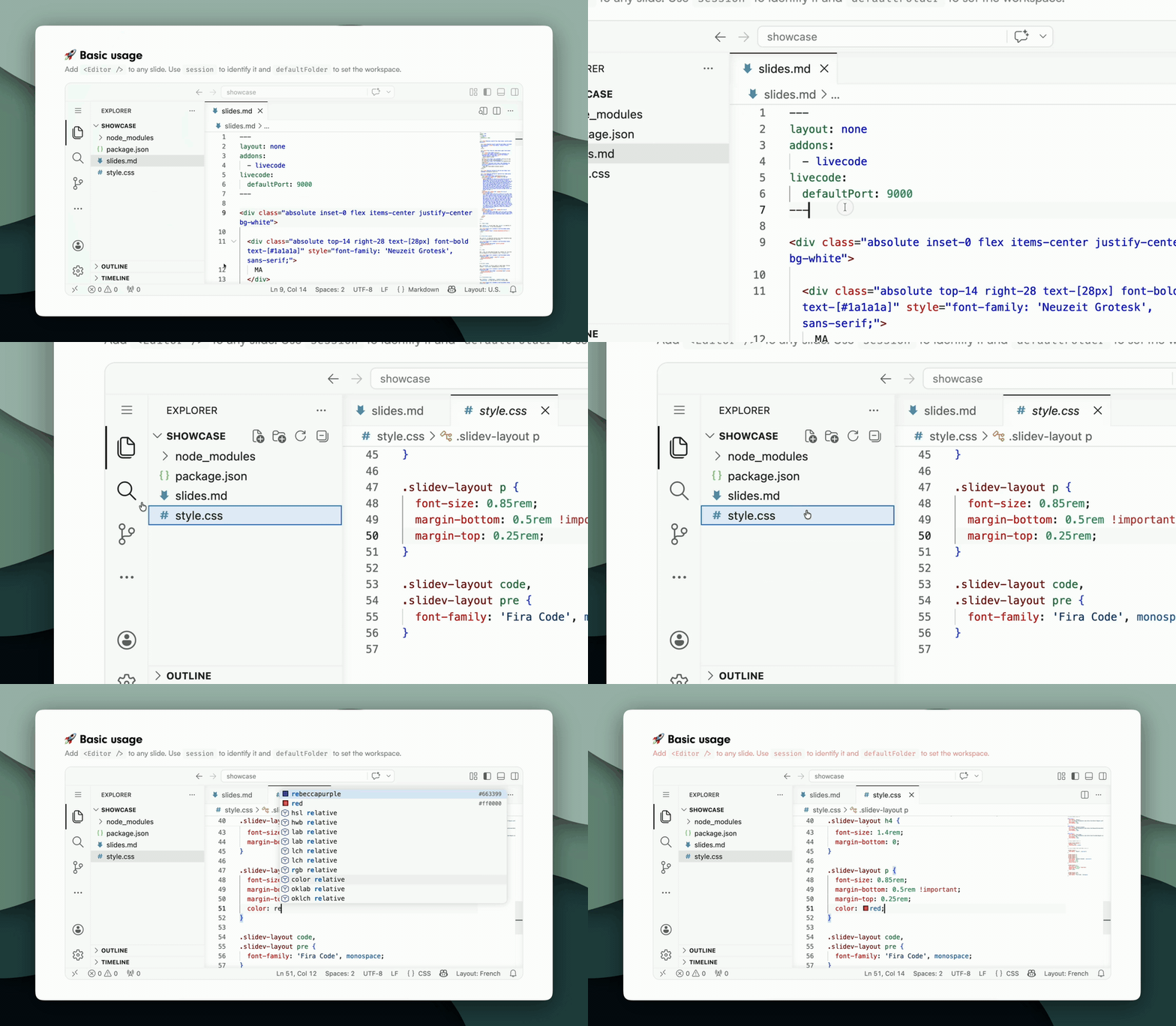
I often give live presentations where I need to show and modify code in real time. Switching between slides and a local IDE breaks the flow — alt-tabbing mid-talk is jarring for the audience and for me.
slidev-addon-livecode embeds a full VS Code instance directly into your slides, so your code demos stay in context. No context switching, no alt-tabbing.
🗞️ Inspired by Stop Alt-Tabbing: Embed an IDE in Your Live-Coding Slides.
pnpm add slidev-addon-livecode coderaftRegister the addon in your frontmatter:
---
addons:
  - livecode
------
addons:
- livecode
---
# My slide
<Editor session="demo" />That's it. When you navigate to the slide, a VS Code instance starts automatically and loads inside the slide. The IDE can use your local VS Code configuration for user settings.
<Editor session="demo" defaultFolder="/path/to/your/project" />Both absolute and relative paths are supported. Relative paths are resolved from the Slidev project root:
<Editor session="demo" defaultFolder=".." />Force VS Code to use a specific color theme:
<Editor session="demo" colorScheme="light" /><Editor session="demo" colorScheme="dark" />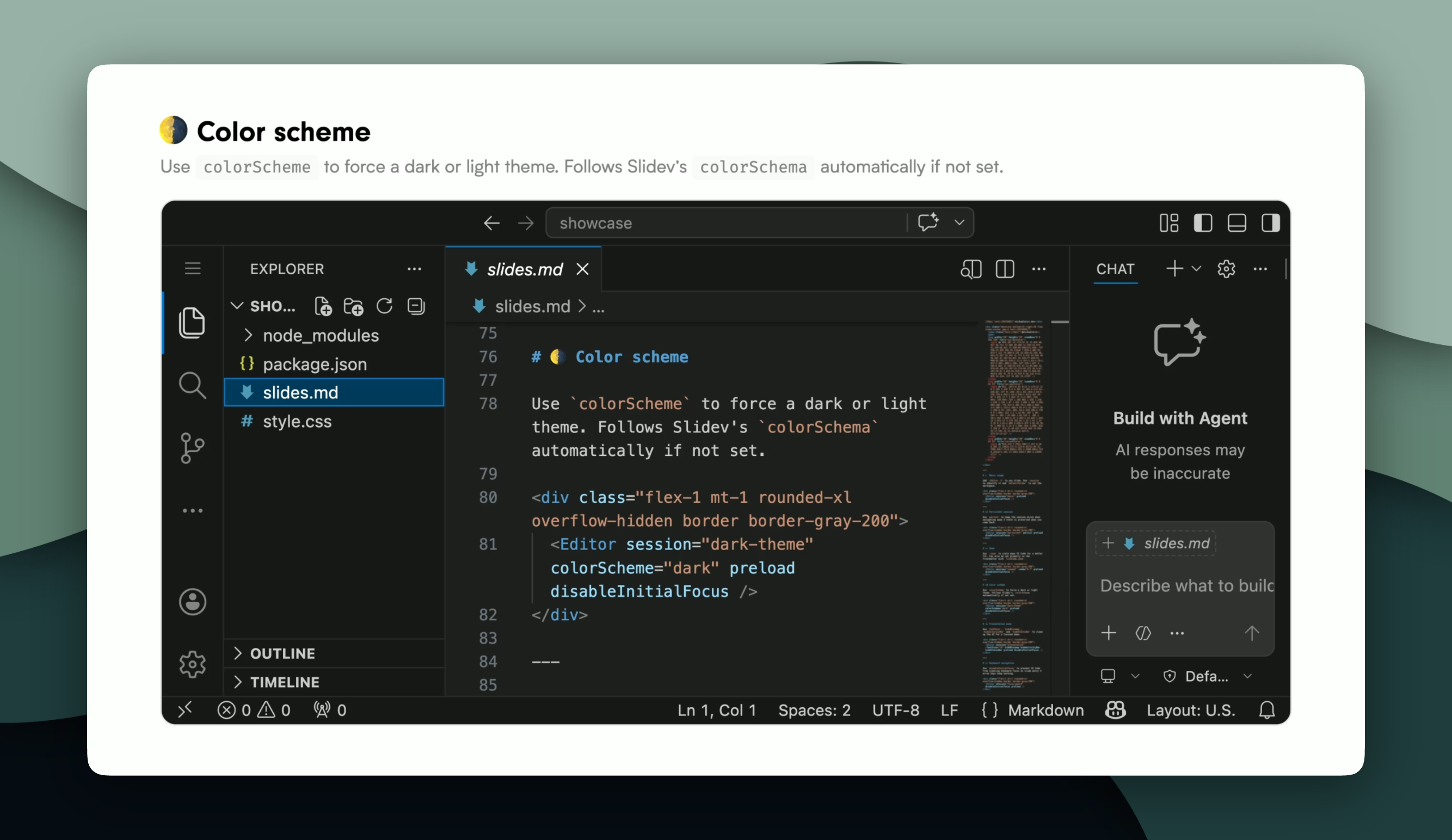
If omitted, the color scheme automatically follows your Slidev presentation's colorSchema setting.
VS Code can appear too large inside a slide. Use the zoom prop to scale it down:
<Editor session="demo" :zoom="0.8" />Can also be set globally for all editors in the frontmatter:
livecode:
  zoom: 0.8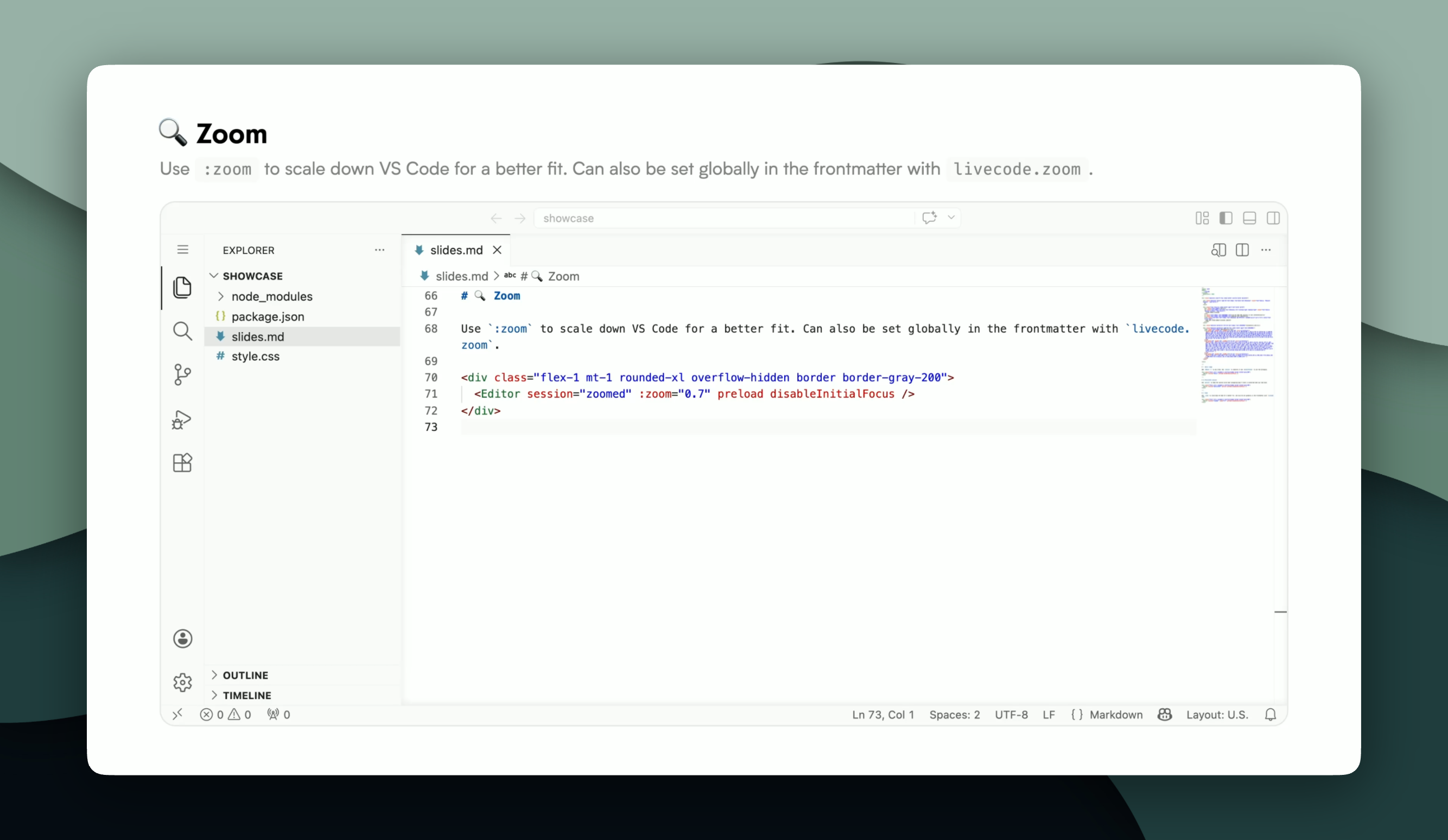
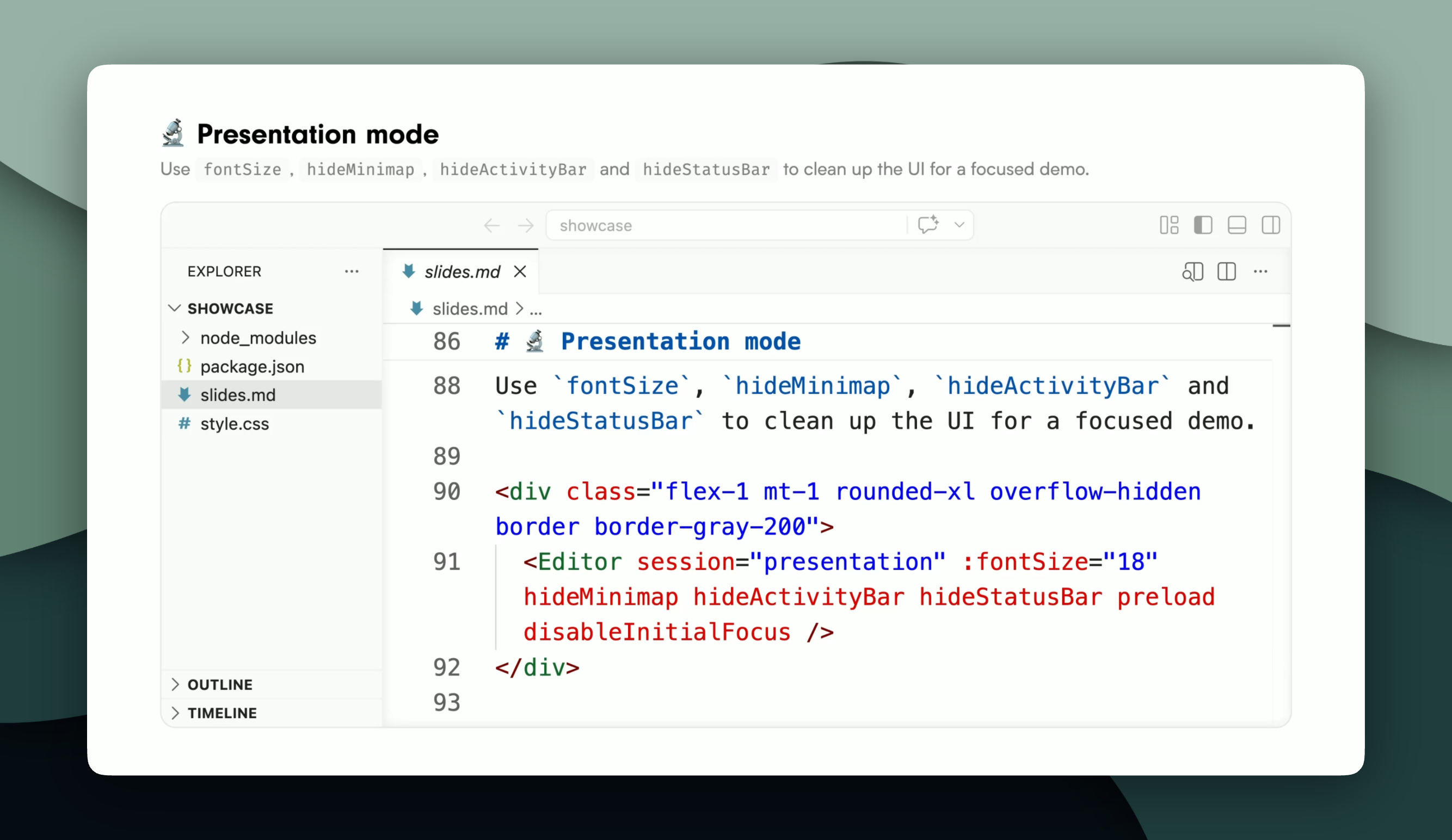
Clean up the VS Code UI for a focused demo — hide distractions and increase the font size for large rooms:
<Editor
  session="demo"
  :fontSize="18"
  hideMinimap
  hideActivityBar
  hideStatusBar
/>
The editor container is a plain div — pass any class or style to control its appearance:
<Editor session="demo" class="rounded-2xl border border-gray-200 shadow-xl" style="height: 480px" />Works with Tailwind utilities too:
<Editor session="demo" class="h-[480px] w-full rounded-2xl border border-gray-200 shadow-lg" />Use disableInitialFocus to prevent VS Code from stealing keyboard focus when you navigate to a slide — arrow keys keep working for Slidev navigation:
<Editor session="demo" disableInitialFocus />Focus is held on the slide, after an interaction, the user can interact with VS Code freely after that.
Use preload to warm up the VS Code session before the user reaches the slide. Slidev mounts adjacent slides in the background, so the session can start while the user is still on the previous slide:
<Editor session="demo" preload />Combine with disableInitialFocus for a seamless experience — the IDE is ready and keyboard navigation still works on slide entry.
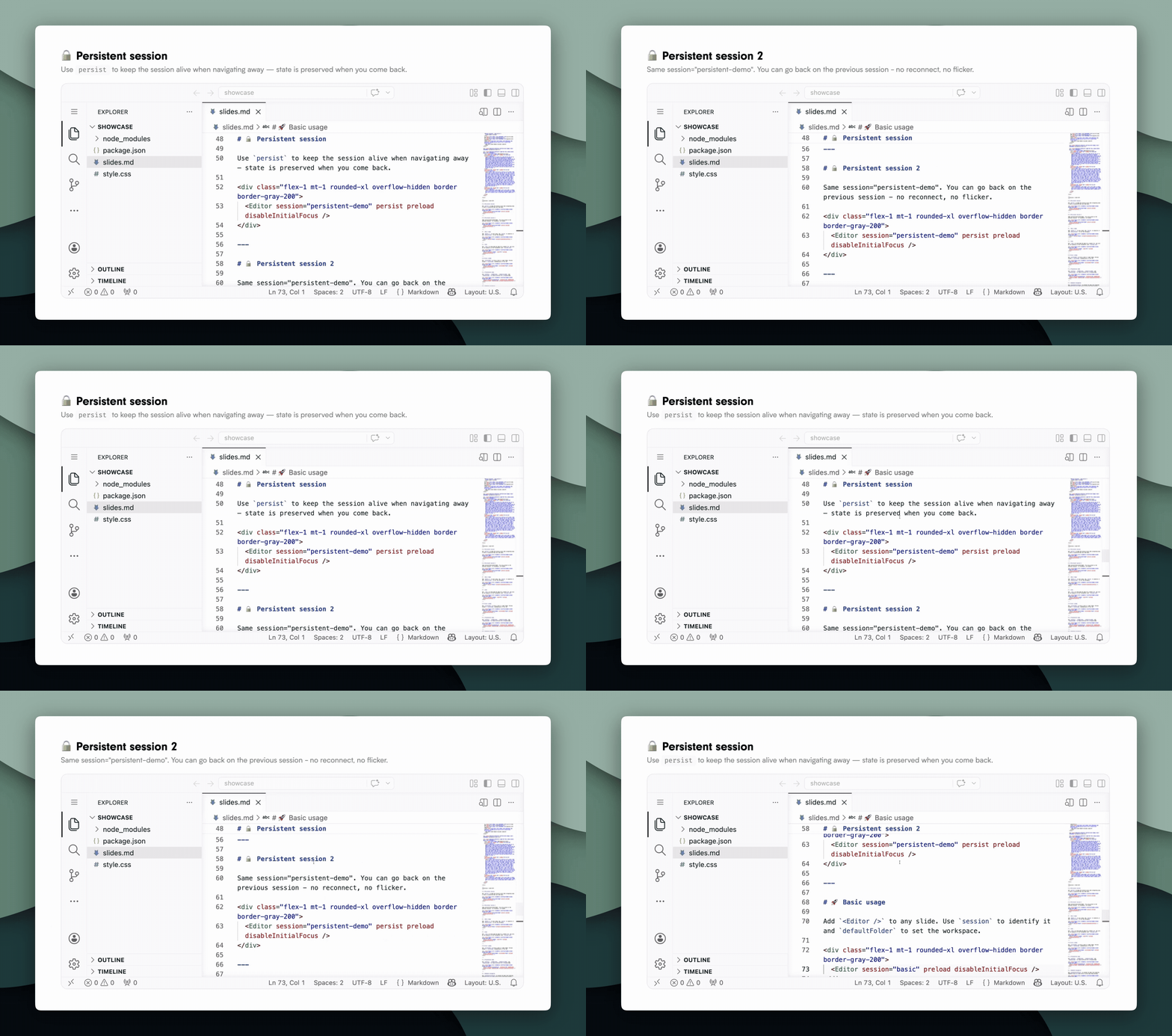
By default, navigating away from a slide stops the session. Use persist to keep it running:
<Editor session="demo" persist />The session survives slide changes and resumes instantly when you come back.
Set defaults for all editors in your frontmatter:
---
addons:
  - livecode
livecode:
  defaultFolder: /path/to/workspace
  defaultPort: 9000
  startTimeout: 30000
  zoom: 0.8
---
Per-component props override these values.
| Prop | Type | Default | Description |
|---|---|---|---|
session |
string |
auto | Unique session identifier. Auto-generated from slide number if omitted. |
defaultFolder |
string |
project root | Workspace folder to open. Absolute or relative to the Slidev root. |
colorScheme |
'dark' | 'light' |
auto | VS Code color theme. Defaults to Slidev's colorSchema if set, otherwise none. |
fontSize |
number |
— | Editor font size. Useful for visibility in large rooms. |
disableInitialFocus |
boolean |
false |
Prevent VS Code from stealing keyboard focus on slide entry. |
hideActivityBar |
boolean |
false |
Hide the VS Code activity bar (left icon sidebar). |
hideMinimap |
boolean |
false |
Hide the editor minimap. |
hideStatusBar |
boolean |
false |
Hide the VS Code status bar (bottom bar). |
persist |
boolean |
false |
Keep the session alive when navigating away. |
preload |
boolean |
false |
Start the session while the slide is not yet active (requires Slidev preload). |
port |
number |
auto | Force a specific port for this session. |
startTimeout |
number |
30000 |
Max startup time in ms before the session is marked as failed. |
zoom |
number |
1 |
Scale factor for the VS Code UI (e.g. 0.8 for 80%). |
A demo deck lives in showcase/. Run it with:
pnpm run dev<Editor /> works alongside all Slidev built-in features, drag, resize, click animations, and more. Compose it freely with the rest of your slide content.
The <Editor /> component requires Slidev dev mode. In static exports (slidev build), it renders a placeholder instead. Plan your demos accordingly.
Pair <Editor /> with other addons for a fully self-contained demo environment — no need to leave your slides at all:
- slidev-addon-liveshell — embed a live terminal directly in your slide alongside the editor.
- An
<iframe>pointing to your dev server — embed your running app next to the editor. Edit code in VS Code, and the hot reload updates the iframe in real time, all without leaving the presentation.
<div class="flex gap-2 flex-1">
  <Editor session="demo" class="w-1/2" />
  <iframe src="http://localhost:5173" class="w-1/2" />
</div>@slidev/client >= 52coderaft >= 0.0.25vue >= 3.4
Features that may land in a future release:
- Open a specific file on load — open a file directly from
<Editor />props, pending coderaft#4 - Pre-installed extensions — declare VS Code extensions to install automatically when the session starts.
- Keyboard shortcuts — configure custom keybindings per session via props.
Made by Mickaël Alves — mickaelalvs.dev

